

We use the Karbon client portal to securely share documents and collect information from clients. Occasionally, clients ask why Karbon links expire or don’t open when switching devices.
This is expected behaviour. One-time links are deliberately short-lived and device-specific to protect your information. While this is important for security, it can be inconvenient if you need to return to documents later.
The simpler option: a Karbon portal login
Setting up a Karbon client portal login removes this issue entirely. With a login, you can:
- Access your documents from any device
- Return to them at any time (no expired links)
- Upload information quickly and securely
Why uploading via the portal matters
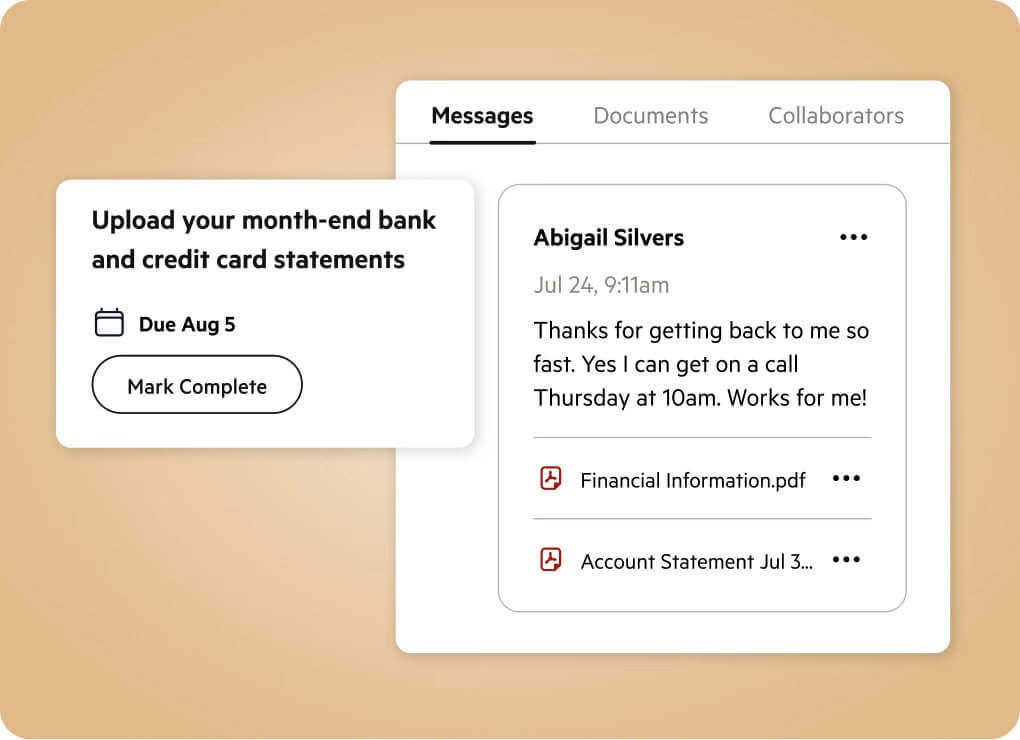
When we send a request through Karbon, the portal allows you to upload documents and tick off each item as it’s completed. This keeps everything in one place and avoids information being lost across multiple emails.
Using the portal:
- Is easier for you
- Is more secure than emailing attachments
- Saves time at our end, helping us process your work more efficiently
One-time links are useful for quick, single-use access. A portal login is designed for ongoing work and makes future requests much simpler.
If you’d like help setting up your Karbon login, just let us know.